
How to use iptv?
IPTV lets you stream live TV and on-demand content through your internet connection instead of traditional cable or satellite services. This guide is perfect for cord-cutters, tech enthusiasts, and anyone wanting to save money on their monthly TV bills while accessing more content options.
Getting started with IPTV might seem complicated, but it’s actually pretty straightforward once you know the basics. We’ll walk you through choosing the right IPTV service provider that fits your budget and viewing preferences. You’ll also learn the step-by-step installation process, from setting up your device to configuring your first channels. Finally, we’ll cover how to navigate your new IPTV interface so you can find your favorite shows and make the most of all the features available.
Understanding IPTV Technology and Its Benefits
What IPTV is and how it differs from traditional TV
IPTV stands for Internet Protocol Television, a technology that delivers television content through internet connections rather than traditional broadcasting methods. Unlike cable or satellite TV that transmits signals through coaxial cables or satellite dishes, IPTV uses your existing internet connection to stream television programs directly to your device.
The fundamental difference lies in how content reaches your screen. Traditional TV broadcasts signals to all viewers simultaneously, while IPTV delivers content on-demand through data packets sent over internet protocols. This means you receive only the content you’re actually watching, making the system more efficient and customizable.
Traditional broadcasting operates on a one-to-many model where everyone receives the same signal at the same time. IPTV works on a one-to-one basis, creating a personalized viewing experience where content is streamed individually to each user based on their specific requests.
Key advantages over cable and satellite services
IPTV offers several compelling benefits that make it an attractive alternative to conventional television services. The most significant advantage is flexibility – you can watch your favorite shows on multiple devices including smart TVs, computers, tablets, and smartphones, as long as you have an internet connection.
Content variety stands out as another major benefit. IPTV services often provide access to international channels, niche programming, and on-demand libraries that traditional providers can’t match. You’re not limited to local broadcasting restrictions or regional content limitations.
Interactive features set IPTV apart from traditional services. You can pause, rewind, and fast-forward live TV, something impossible with standard cable or satellite broadcasts. Many IPTV platforms also include features like catch-up TV, allowing you to watch programs you missed up to several days after they aired.
The installation process is typically simpler too. No need for technicians to install satellite dishes or run new cables through your home – if you have internet, you’re ready to start watching.
Types of IPTV services available
IPTV services fall into three main categories, each serving different viewing preferences and needs. Live television streaming replicates the traditional TV experience by broadcasting channels in real-time. You can watch news, sports, and scheduled programming just like cable TV, but delivered through your internet connection.
Video on Demand (VOD) services function like digital libraries where you can select and watch content whenever you want. Popular platforms like Netflix and Amazon Prime Video operate using IPTV technology, allowing you to browse extensive catalogs and start watching immediately.
Time-shifted media combines live TV with recording capabilities. This service lets you pause live broadcasts, restart programs from the beginning, or catch up on shows you missed. Some providers offer cloud-based DVR functionality, storing your recordings online rather than on physical hardware.
Hybrid services are becoming increasingly popular, combining traditional broadcasting with IPTV features. These services might offer live channels through cable while providing on-demand content and interactive features through internet connectivity.
Cost savings compared to traditional broadcasting
IPTV often provides significant cost advantages over cable and satellite services. Traditional TV packages typically include dozens of channels you never watch, forcing you to pay for content you don’t want. Many IPTV services offer customizable packages or à la carte options where you pay only for channels you actually use.
Equipment costs are generally lower with IPTV. Instead of renting expensive cable boxes or satellite receivers, you can use devices you likely already own – smart TVs, streaming devices, or even your computer. This eliminates monthly equipment rental fees that can add $10-20 to your bill.
Installation and maintenance costs disappear with IPTV. No service calls, no technician fees, and no weather-related outages that require professional repairs. If you experience issues, troubleshooting often involves simple steps you can handle yourself.
Bundle deals become more straightforward with IPTV since many providers also offer internet services. Instead of juggling separate bills for internet, cable, and phone, you might find comprehensive packages that cost less than individual services from traditional providers.
Essential Equipment and Requirements for IPTV Setup
Internet Speed Requirements for Smooth Streaming
Your internet connection speed directly determines your IPTV viewing experience. For standard definition (SD) content, you’ll need at least 3-5 Mbps of stable bandwidth. High definition (HD) channels require 8-10 Mbps, while 4K Ultra HD streaming demands 25 Mbps or higher. Keep in mind that these speeds are per device, so if multiple family members are streaming simultaneously, you’ll need to multiply accordingly.
Wired connections always outperform Wi-Fi for IPTV streaming. Ethernet cables provide consistent speeds and reduce buffering issues that can plague wireless connections. If you must use Wi-Fi, position your device close to the router and avoid interference from other electronics.
Upload speed matters too, especially for services that offer cloud DVR features. Most providers recommend at least 5 Mbps upload speed for optimal performance. Run speed tests at different times of day, as internet speeds often fluctuate during peak usage hours.
Compatible Devices and Set-Top Boxes
IPTV works across numerous devices, giving you flexibility in how you watch content. Smart TVs with built-in apps offer the simplest setup – just download your provider’s app and sign in. Popular brands like Samsung, LG, and Sony support most major IPTV platforms.
Dedicated IPTV set-top boxes provide the most reliable experience. Android TV boxes, Apple TV, Amazon Fire TV Stick, and Roku devices all support IPTV applications. Each platform has its strengths: Android boxes offer the most customization options, Apple TV delivers premium performance, Fire TV Sticks provide budget-friendly streaming, and Roku excels in user-friendly interfaces.
| Device Type | Pros | Cons | Best For |
|---|---|---|---|
| Smart TV Apps | Built-in convenience | Limited app selection | Casual viewers |
| Android TV Box | High customization | Learning curve | Tech enthusiasts |
| Apple TV | Premium performance | Higher cost | iOS users |
| Fire TV Stick | Budget-friendly | Amazon ecosystem | Budget-conscious users |
| Roku | User-friendly | Limited customization | Beginners |
Gaming consoles like PlayStation and Xbox also support IPTV apps, making them dual-purpose entertainment devices.
Router and Network Setup Considerations
Your router acts as the gateway for your IPTV experience. Older routers may struggle with high-bandwidth streaming, so consider upgrading to a model that supports Wi-Fi 6 (802.11ax) for the best performance. Look for routers with Quality of Service (QoS) features that prioritize streaming traffic over other internet activities.
Position your router centrally in your home and away from interference sources like microwaves and baby monitors. Mesh network systems work excellently for larger homes, ensuring consistent coverage throughout all rooms.
Configure your router’s DNS settings to use Google DNS (8.8.8.8, 8.8.4.4) or Cloudflare DNS (1.1.1.1) for potentially faster content loading. Some IPTV providers also recommend specific DNS servers for optimal performance.
Ethernet ports on your router should support Gigabit speeds (1000 Mbps). If your router lacks enough ports, invest in a Gigabit ethernet switch to connect multiple wired devices. Port forwarding might be necessary for certain IPTV services, so familiarize yourself with your router’s admin panel.
Network security remains crucial – use WPA3 encryption and regularly update your router’s firmware to protect against vulnerabilities that could affect your streaming quality.
Choosing the Right IPTV Service Provider
Evaluating legitimate vs illegal IPTV services
The IPTV market is flooded with both legitimate and illegal services, making it crucial to distinguish between them before committing to a provider. Legitimate IPTV services operate under proper licensing agreements with content creators and broadcasters. These services typically include well-known names like Sling TV, YouTube TV, Hulu Live, and FuboTV. They offer transparent pricing, clear terms of service, and reliable customer support.how to use iptv
Illegal IPTV services often promise thousands of channels at suspiciously low prices, usually around $10-20 per month. These providers rarely have proper licensing for the content they stream and may disappear without notice. Red flags include vague company information, no physical address, payment only through cryptocurrency, and promises of “lifetime” subscriptions. Using illegal services can expose you to legal risks, malware, poor streaming quality, and sudden service termination.
Always verify that your chosen provider has proper licensing agreements and operates transparently. Check if they have a legitimate website with clear contact information and terms of service.
Comparing subscription plans and channel packages
When evaluating IPTV subscription plans, focus on the channels that matter most to you rather than total channel count. Create a list of must-have channels including your favorite sports networks, news channels, and entertainment options. Many providers offer tiered packages ranging from basic plans with 30-50 channels to premium packages with 100+ channels.
| Package Type | Typical Price Range | Channel Count | Common Features |
|---|---|---|---|
| Basic | $20-35/month | 30-60 channels | Local networks, basic cable |
| Standard | $35-55/month | 60-100 channels | Sports packages, premium networks |
| Premium | $55-80/month | 100+ channels | International content, 4K streaming |
Consider additional features like cloud DVR storage, simultaneous streaming on multiple devices, and on-demand content libraries. Some providers offer add-on packages for specific interests like international channels, premium movie networks, or additional sports coverage.
Reading reviews and checking service reliability
Research potential IPTV providers through multiple review sources before making a decision. Check independent review websites, technology forums, and social media groups dedicated to cord-cutting and IPTV discussions. Look for consistent patterns in user feedback regarding streaming quality, channel availability, and service uptime.
Pay attention to reviews mentioning buffering issues, channel outages, or sudden service interruptions. Reliable providers typically maintain 99% uptime and offer consistent streaming quality across different devices and internet connections. Be wary of providers with numerous complaints about poor customer service or billing issues.
Test any provider that offers free trials or money-back guarantees. This hands-on experience will give you the best sense of streaming quality during your typical viewing hours and help you assess whether the service meets your specific needs.
Understanding customer support options
Quality customer support is essential for resolving technical issues and account problems. Legitimate IPTV providers offer multiple support channels including email, live chat, phone support, and comprehensive help documentation. Check what support hours they offer and whether they provide 24/7 assistance.
Look for providers that offer detailed setup guides, troubleshooting resources, and device compatibility information on their websites. Good providers also maintain active social media presence where they respond to customer inquiries and service updates.
Before subscribing, test their customer support responsiveness by asking pre-sales questions. This will give you insight into their support quality and response times. Avoid providers that only offer email support or have no clear way to contact them for help.
Step-by-Step IPTV Installation Process
Setting Up Your IPTV Box or App
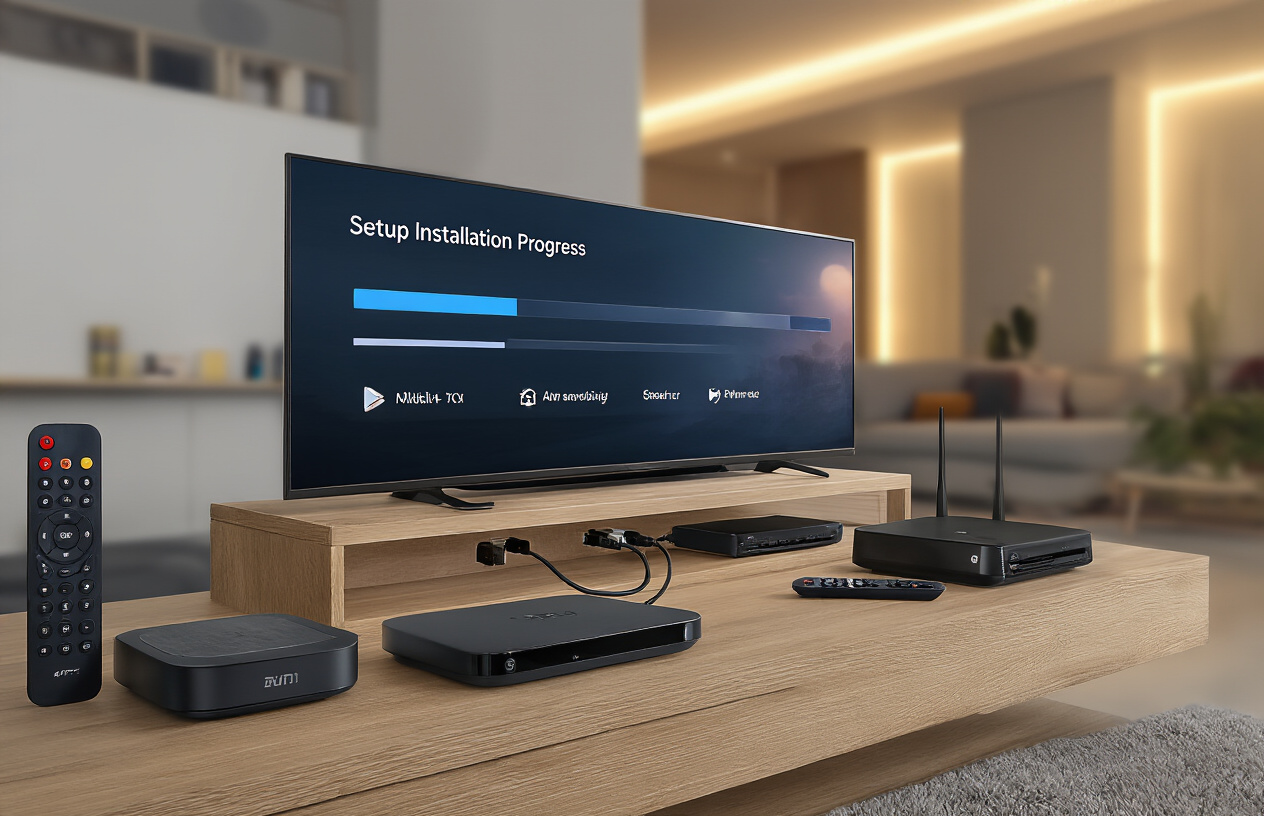
The installation process varies depending on whether you’re using a dedicated IPTV box, smart TV app, or mobile device. For IPTV boxes, start by connecting the device to your television using an HDMI cable. Power on both devices and select the correct HDMI input on your TV. Most boxes will automatically boot into their setup wizard on first use.
If you’re installing an IPTV app on a smart TV, navigate to your TV’s app store and search for your provider’s official app. Download and install it directly. For Android devices, you can download apps from Google Play Store or sideload APK files if your provider offers them. iOS users should check the App Store for compatible applications.
For streaming devices like Roku, Fire TV Stick, or Apple TV, the process involves accessing their respective app stores and downloading your IPTV provider’s application. Some providers offer generic IPTV players that work across multiple platforms.
Configuring Network Connections
A stable internet connection is crucial for smooth IPTV streaming. Connect your device to your home network either through Wi-Fi or Ethernet cable. Ethernet connections typically provide more stable performance, especially for 4K content.
Access your device’s network settings and select your Wi-Fi network or configure the wired connection. Make sure your internet speed meets the minimum requirements – typically 25 Mbps for 4K streams and 10 Mbps for HD content.
Some IPTV services require specific network configurations or VPN settings. Check if your provider needs particular DNS settings or if you need to enable specific ports on your router. Common ports used by IPTV services include 8080, 8000, and 25461.
Entering Subscription Credentials
Once your device is connected to the internet, you’ll need to input your IPTV subscription details. Most services provide three key pieces of information: server URL, username, and password. Some providers also include a portal URL or MAC address requirement.
Open your IPTV app and look for settings, server settings, or account setup. Enter the server address exactly as provided by your service provider. Input your username and password carefully, as these are case-sensitive. If your service uses M3U playlists, you’ll need to add the playlist URL instead of individual server credentials.
Save your settings and allow the app to connect to the servers. This process can take anywhere from a few seconds to several minutes, depending on your internet speed and the provider’s server load.
Testing Your Setup for Optimal Performance
After entering your credentials, test different channels to ensure everything works properly. Start with standard definition channels before moving to HD and 4K content. Check both live TV and on-demand content if your subscription includes both services.
Monitor your streaming quality and look for buffering, pixelation, or audio sync issues. If you experience problems, try switching between different servers if your provider offers multiple options. Test channels from different regions or categories to ensure comprehensive functionality.
Adjust video quality settings if needed. Most IPTV apps allow you to set maximum resolution and buffer sizes. Lower these settings if you experience frequent buffering. Record a short clip if your service offers DVR functionality to test that feature as well.
Check the electronic program guide (EPG) to see if it’s loading correctly with accurate show information and schedules. A properly functioning EPG indicates that your setup is communicating effectively with your provider’s servers.
Navigating Your IPTV Interface and Features
Understanding the Electronic Program Guide
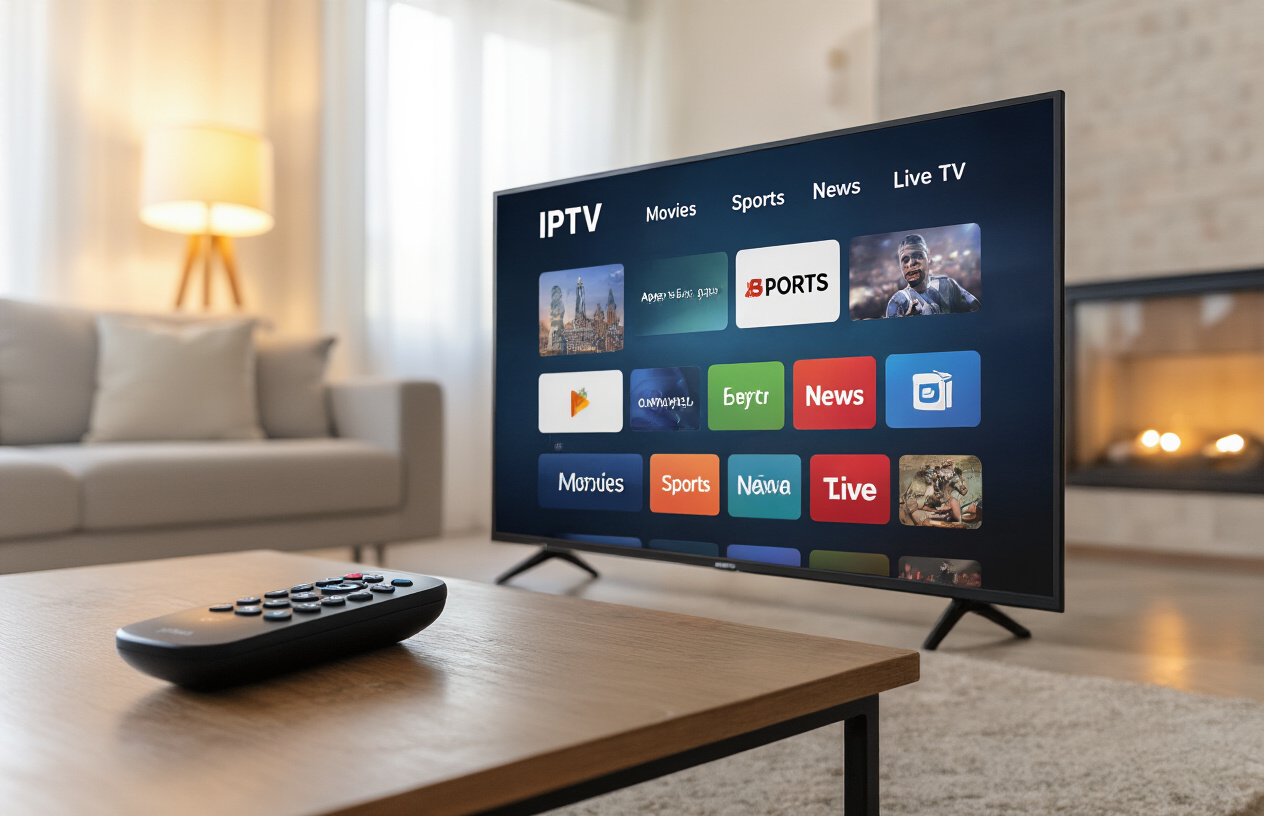
The electronic program guide (EPG) serves as your digital TV schedule, displaying current and upcoming programming across all available channels. Most IPTV interfaces present the EPG in a grid format, with channels listed vertically and time slots horizontally. You can scroll through different time periods to see what’s playing now, later today, or even several days ahead.
To access detailed program information, simply highlight any show and press the info or select button. This reveals descriptions, ratings, cast information, and episode details. Many EPGs also display color-coded categories – sports programs might appear in blue, movies in red, and news in green. You can filter the guide by genre or search for specific programs using the search function.
Using On-Demand and Catch-Up Services
On-demand libraries contain thousands of movies, TV series, documentaries, and special programming that you can watch anytime. Navigate to the on-demand section through your main menu, where content is typically organized by categories like “New Releases,” “Popular Movies,” or “TV Series.” Use the search bar to find specific titles quickly.
Catch-up services let you watch programs that aired in the past week or month. When browsing through the EPG, look for programs marked with a “replay” or “catch-up” icon. These services automatically record popular shows, so you never miss your favorites. Some providers offer up to 30 days of catch-up content, while others provide shorter windows.
Setting Up Recordings and Favorites
Recording functionality transforms your IPTV experience by letting you capture live TV for later viewing. To record a program, highlight it in the EPG and select the record option. You can typically choose to record just that episode or the entire series. Most systems allow multiple simultaneous recordings, depending on your service plan.
Creating a favorites list helps you quickly access preferred channels and content. Add channels to favorites by pressing the designated button while watching or browsing. Organize favorites into custom categories like “News,” “Sports,” or “Kids” for easier navigation. Many systems also let you create watchlists for on-demand content you plan to view later.
Customizing Channel Lists and Preferences
Channel customization gives you control over your viewing experience. Access the channel management section to hide channels you never watch, reducing clutter in your guide. Reorder channels by dragging them to preferred positions or create custom channel packages grouped by theme or language.
Parental controls protect younger viewers by blocking inappropriate content based on ratings or specific channels. Set up PIN protection for adult content and establish viewing time restrictions. Some systems offer multiple user profiles, allowing each family member to have personalized channel lists and viewing preferences.
Accessing Premium Content and Pay-Per-View
Premium channels and pay-per-view events require additional purchases beyond your base subscription. Browse premium offerings through dedicated sections in your interface, clearly marked with pricing information. For pay-per-view events like boxing matches or concerts, you’ll see countdown timers showing when events start.
Purchase premium content directly through your remote control by following the on-screen prompts. Most systems store your payment information securely for quick future purchases. Check your account settings to view purchase history and manage spending limits to avoid unexpected charges.
Troubleshooting Common IPTV Issues

Resolving buffering and streaming problems
Buffering issues are the most frustrating part of using IPTV. When your stream keeps pausing every few seconds, check your internet connection first. You need at least 25 Mbps for 4K content and 10 Mbps for HD streaming. Run a speed test to confirm your actual download speeds match what you’re paying for.
Your router placement makes a huge difference. Keep it in a central location, away from walls and electronic devices that cause interference. If you’re using Wi-Fi, switch to a 5GHz band if available, as it’s less crowded than 2.4GHz. Better yet, connect your IPTV device directly to your router with an ethernet cable for the most stable connection.
Clear your app’s cache and data regularly. Most IPTV apps store temporary files that can slow down performance over time. Restart your streaming device and router weekly to refresh your connection. If buffering persists during peak hours (7-10 PM), contact your internet provider about upgrading your plan or switching to a less congested network.
Fixing audio and video quality issues
Video pixelation and audio dropouts usually point to bandwidth problems or incorrect app settings. Open your IPTV app’s video settings and adjust the resolution manually. Start with 720p and work your way up to find the sweet spot for your connection speed.
Audio sync issues happen when video and sound don’t match up. Most IPTV players have an audio delay adjustment feature in their settings menu. Adjust the timing in small increments (usually 50-100 milliseconds) until the audio matches the video perfectly.
Color problems or washed-out images often come from incorrect display settings. Check your TV’s picture mode and switch from “Vivid” or “Dynamic” to “Standard” or “Cinema” mode. Adjust your IPTV app’s video output settings to match your TV’s capabilities – don’t force 4K output on a 1080p display.
Dealing with login and authentication errors
Authentication problems usually mean your subscription has expired or your credentials are incorrect. Double-check your username and password, paying attention to capital letters and special characters. Copy and paste your login details directly from your provider’s email to avoid typing mistakes.
If your account is active but you still can’t log in, try logging out completely and clearing the app’s stored data. Some IPTV services limit the number of simultaneous connections, so check if someone else is using your account on another device.
MAC address issues occur when providers tie your subscription to a specific device. If you’ve recently changed devices or updated your streaming hardware, contact your IPTV provider to update your MAC address in their system. You can find your device’s MAC address in the network settings menu.
Server-side problems happen when your IPTV provider experiences technical difficulties. Check their social media pages or support forums for outage reports. Try switching to a different server or portal URL if your provider offers multiple options.
IPTV opens up a world of entertainment possibilities right at your fingertips. You’ve learned about the technology behind it, what equipment you need, how to pick a reliable service provider, and the complete setup process. From navigating the interface to fixing common problems, you now have all the tools to enjoy seamless streaming on your terms.
Ready to cut the cord and take control of your viewing experience? Start by researching reputable IPTV providers that match your content preferences and budget. Remember to test your internet connection speed first and have your streaming device ready. With the right setup and a quality service, you’ll be watching your favorite shows and discovering new content in no time.